kublaro 4K AI Video Generator
kublaro is a 4K AI video generator for creators, marketers and small teams who want prompt-to-video or image-to-video output with smart model routing. It supports exports up to 4K where available, so you can create sharper campaign visuals without manually choosing between video models.
June 23, 2026
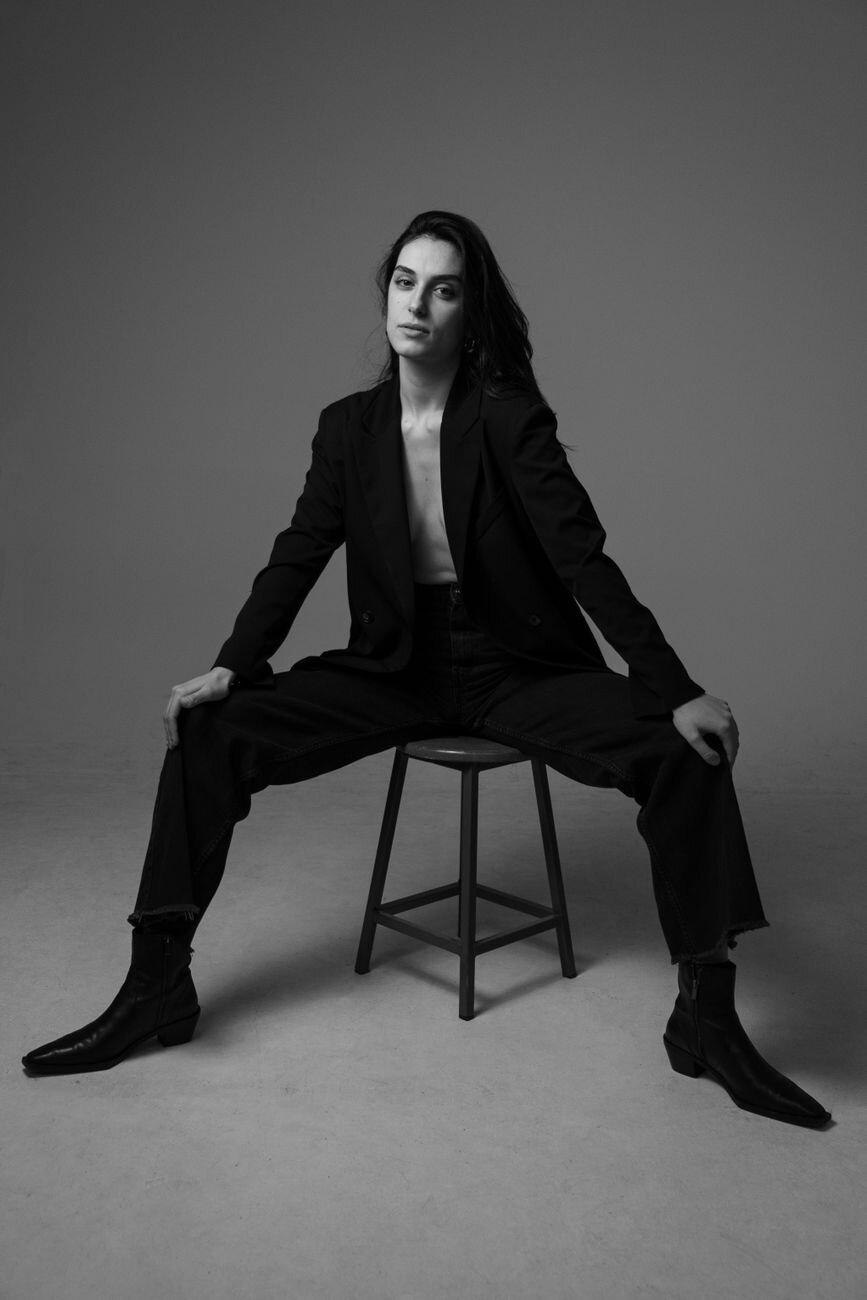
A 4K AI video generator is useful when your clips need to survive beyond a small social preview. Product launches, landing pages, pitch decks, paid ads and client mockups all benefit from cleaner edges, crop flexibility and higher-resolution delivery. kublaro is built for that workflow: prompt in, visuals out, with support for exports up to 4K where the selected model and workflow allow it.
kublaro is not a single-model video toy. It is an AI image and video studio with Smart Routing across 16 state-of-the-art image and video models. For users who care about quality and resolution, that matters because the best route for a cinematic prompt may not be the same as the best route for a product reveal, social ad, animated still or stylized campaign visual.
Why 4K support matters
4K does not automatically make an AI video good. Composition, subject clarity, prompt quality and model fit still matter. But higher-resolution output gives teams more room to work after generation.
You can crop a landscape clip into a vertical social edit, pull a sharper still frame for a thumbnail, place video inside a landing-page hero, or deliver a cleaner client preview.
How kublaro routes 4K AI video prompts
kublaro's Smart Routing is designed to pick a best-fit model per prompt instead of making you manually choose the engine first. For video, the routing lineup includes Google Veo 3.1, Kling 3.0 Pro, Seedance 2.0, MiniMax Hailuo 02, Wan 2.5, Luma Ray 2, LTX-2 and PixVerse.
For starting frames and supporting visuals, kublaro can route image work across FLUX.2 Pro, GPT Image, Seedream 4, Nano Banana 2, Recraft V3, Ideogram V3 and Qwen-Image. That is important for 4K video work because many strong clips begin with a controlled still image before motion is added.
| Workflow | Best kublaro path | Why it helps at higher resolution |
|---|---|---|
| Cinematic text-to-video | Prompt directly into routed video models | Useful for mood, camera movement and fast scene exploration. |
| Product or ad motion | Generate a sharp still, then use image-to-video | Keeps the subject, framing and brand look more controlled. |
| Social variations | Batch multiple prompts or motion directions | Helps compare hooks, crops and pacing before exporting. |
| Stylized campaign visuals | Use style packs plus routed image and video models | Keeps a consistent look across stills, clips and iterations. |
Text-to-video or image-to-video?
Use text-to-video when speed matters most. Write the scene, subject, camera movement, visual style and mood, then let kublaro route the job to a suitable video model. This is the fastest way to explore campaign ideas or visual directions.
Use image-to-video when control matters most. Start with an approved product shot, generated key frame, portrait, scene or branded visual. Then describe the motion: a slow push-in, turntable reveal, drifting camera, light sweep, atmospheric movement or subtle subject action. For resolution-focused work, this path often gives you a stronger base because the first frame is already composed.
What to include in a 4K video prompt
Good prompts are specific about the subject, motion and intended use. Instead of "make a 4K product video," describe the frame:
"A premium matte black travel bottle on wet stone, slow camera push-in, soft rim light, realistic reflections, minimal background, high-resolution product ad, subtle water movement."
Then add format needs such as vertical, square or widescreen if the campaign requires them. If you need several cuts, use batch generation to test different camera moves before choosing the best export.
Pricing and commercial use
kublaro is a paid studio with no free tier. Monthly pricing is in USD: Trial $10, Starter $20, Plus $50 and Pro $100. Annual plans are roughly 40% off, and one-time credit top-ups are available when a campaign needs extra generation volume.
kublaro includes a commercial license for generated visuals, making it a practical fit for creators, marketers and small teams producing ads, launch content, ecommerce visuals, client drafts and social campaigns. You should still only upload or reference assets, people, logos and brands you have the rights to use.
If resolution is part of your creative standard, kublaro gives you a prompt-to-visual workflow with routed video models, image generation, image-to-video, 30+ style packs, multilingual prompts, batch creation and output up to 4K. Review the pricing options or start creating when you are ready to turn a prompt into high-resolution AI video.
Frequently asked questions
What is a 4K AI video generator?+
A 4K AI video generator creates video clips from prompts or images and supports export targets up to 4K resolution where the selected workflow and model allow it.
Does kublaro support 4K AI video?+
Yes. kublaro supports output up to 4K, with final availability depending on the workflow, model and plan settings.
Which video models does kublaro use?+
kublaro can route video prompts across Google Veo 3.1, Kling 3.0 Pro, Seedance 2.0, MiniMax Hailuo 02, Wan 2.5, Luma Ray 2, LTX-2 and PixVerse.
Can I start a 4K video from an image?+
Yes. kublaro supports image-to-video, so you can generate or upload a still frame, describe the motion and export the best result up to the supported resolution.
Does kublaro have a free tier?+
No. kublaro has no free tier. Monthly USD plans are Trial $10, Starter $20, Plus $50 and Pro $100, with annual savings and one-time credit top-ups.
Make it with kublaro
Describe anything and generate stunning images in seconds; then bring them to motion with the best AI video models.