kublaro Text to Video Generator
kublaro is a text to video generator for creators, marketers and small teams who want to turn written prompts into polished visual clips without picking a model manually.
June 23, 2026
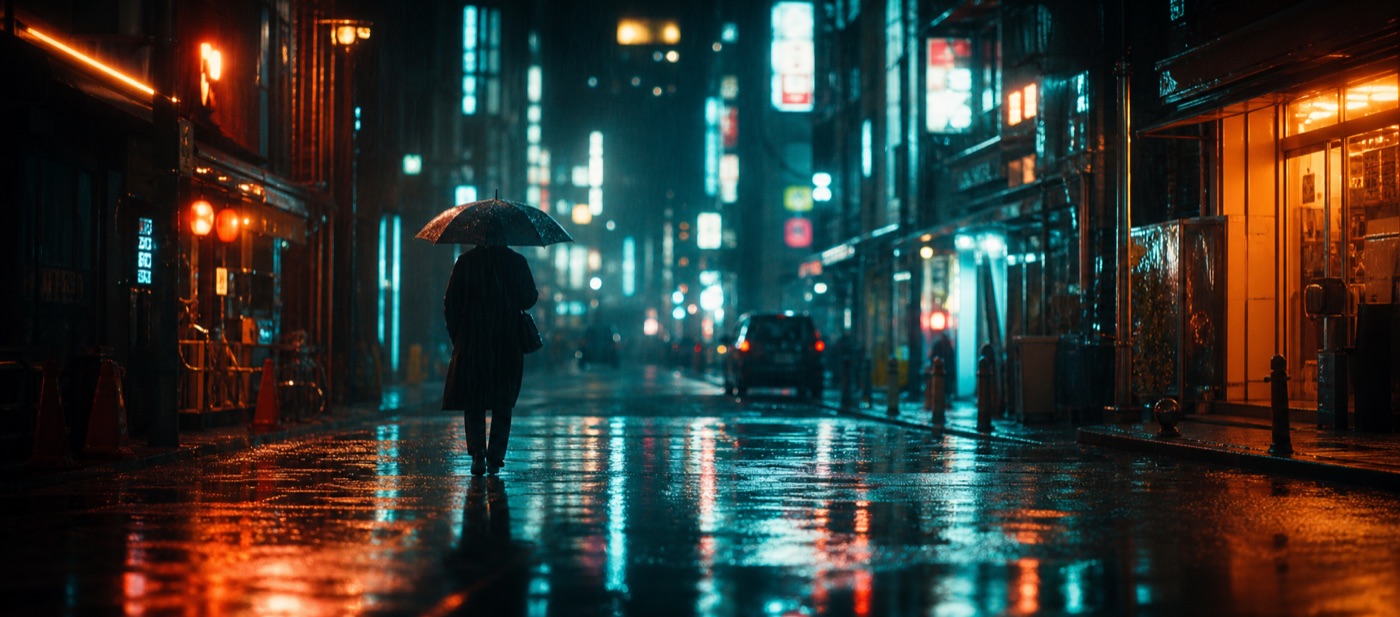
A text to video generator turns a written prompt into a moving clip: a product reveal, a cinematic establishing shot, a short social ad, a stylized character moment or a piece of branded B-roll. kublaro is built for that broad creative demand, but with one important difference: it is not locked to a single video model.
Instead, kublaro uses smart routing across leading video models and auto-picks the route for each prompt. That matters because a fashion teaser, a product close-up, a surreal animation and a realistic camera move do not always need the same model. You write the brief; kublaro handles the model choice.
Why smart routing matters for text to video
Most text to video workflows start with a model decision. You pick one engine, learn its strengths, learn its quirks, and rewrite prompts around what that model prefers. That can work, but it puts model selection ahead of the creative task.
kublaro is designed around the opposite workflow. The prompt comes first: subject, movement, visual style, camera language and output goal. Smart routing can then direct the job across SOTA video models including Google Veo 3.1, Kling 3.0 Pro, Seedance 2.0, MiniMax Hailuo 02, Wan 2.5, Luma Ray 2, LTX-2 and PixVerse.
That makes the studio useful for creators and marketers who care more about the final clip than the model menu.
What you can create from a prompt
Use kublaro when you need video from a written idea, not a production shoot. Common text to video generator use cases include:
- Social reels, shorts and paid ad concepts
- Product teasers and landing-page motion
- Creator intros, channel visuals and music-video fragments
- Storyboards, pitch visuals and campaign mood tests
- Multilingual prompt workflows for global teams
kublaro also supports image-to-video, so you can generate or upload a still first, then animate it when the first frame needs tighter control.
Text to video options in kublaro
| Workflow | Best for | How kublaro helps |
|---|---|---|
| Text to video | Starting from only an idea or scene description | Routes the prompt across leading video models automatically |
| Image to video | Animating a locked first frame, product still or character image | Keeps the starting image in control while adding motion |
| Batch generation | Exploring multiple hooks, styles or placements | Creates variations faster for ads, social and creative testing |
| Image plus video studio | Building a complete visual system | Pairs video models with image models like FLUX.2 Pro, GPT Image, Seedream 4, Nano Banana 2, Recraft V3, Ideogram V3 and Qwen-Image |
How to write a stronger video prompt
A good video prompt should describe motion, not only the subject. Start with the object or scene, then add action, camera behavior, lighting and style.
For example, instead of writing "a coffee cup on a table," write: "slow push-in toward a ceramic coffee cup on a small cafe table, morning light through the window, steam rising gently, warm cinematic product shot." The second prompt gives the text to video generator direction for pacing, camera, atmosphere and commercial intent.
For ads or brand work, add the placement too: "vertical social clip," "website hero loop," "premium product reveal," or "short cinematic teaser." kublaro's 30+ style packs can help keep the result aligned with the visual tone you want.
Pricing and usage
kublaro has no free tier. Monthly plans are in USD: Trial $10, Starter $20, Plus $50 and Pro $100. Annual billing is about 40% off, and one-time credit top-ups are available when you need extra generations without changing plan.
The studio supports video and image creation, multilingual prompts, batch workflows, exports up to 4K and a commercial license for generated visuals. For current plan limits and credit details, check kublaro pricing.
When kublaro is the right fit
kublaro is a strong fit when you want a practical prompt-to-visuals studio for marketing, creator content or small-team production. It is especially useful if you do not want to bet every prompt on one model. You can describe the outcome, use smart routing across modern video models, and refine the result inside the same studio that also handles image generation.
Start with a clear scene, name the motion, choose the style direction and let kublaro route the prompt to the model most suited to the job.
Frequently asked questions
What is a text to video generator?+
A text to video generator turns a written prompt into a video clip. You describe the scene, action, camera movement and style, and the AI renders moving footage from that prompt.
Which video models does kublaro use?+
kublaro can route video prompts across Google Veo 3.1, Kling 3.0 Pro, Seedance 2.0, MiniMax Hailuo 02, Wan 2.5, Luma Ray 2, LTX-2 and PixVerse.
Do I need to choose the model myself?+
No. kublaro's smart routing is designed to auto-pick a strong model for the prompt, so you can focus on the idea, style and motion direction.
Is there a free tier?+
No. kublaro is a paid studio with monthly plans starting at Trial for $10, plus annual discounts and one-time credit top-ups.
Can I use generated videos commercially?+
Yes. kublaro includes a commercial license for generated visuals, so teams can use outputs in marketing, social content and client work.
Make it with kublaro
Describe anything and generate stunning images in seconds; then bring them to motion with the best AI video models.