Naming, Versions and Handoffs for AI Creative Assets
Generated assets multiply faster than hand-made ones. Without a naming and versioning convention, the archive becomes a folder of near-identical files nobody can choose between.
September 21, 2026
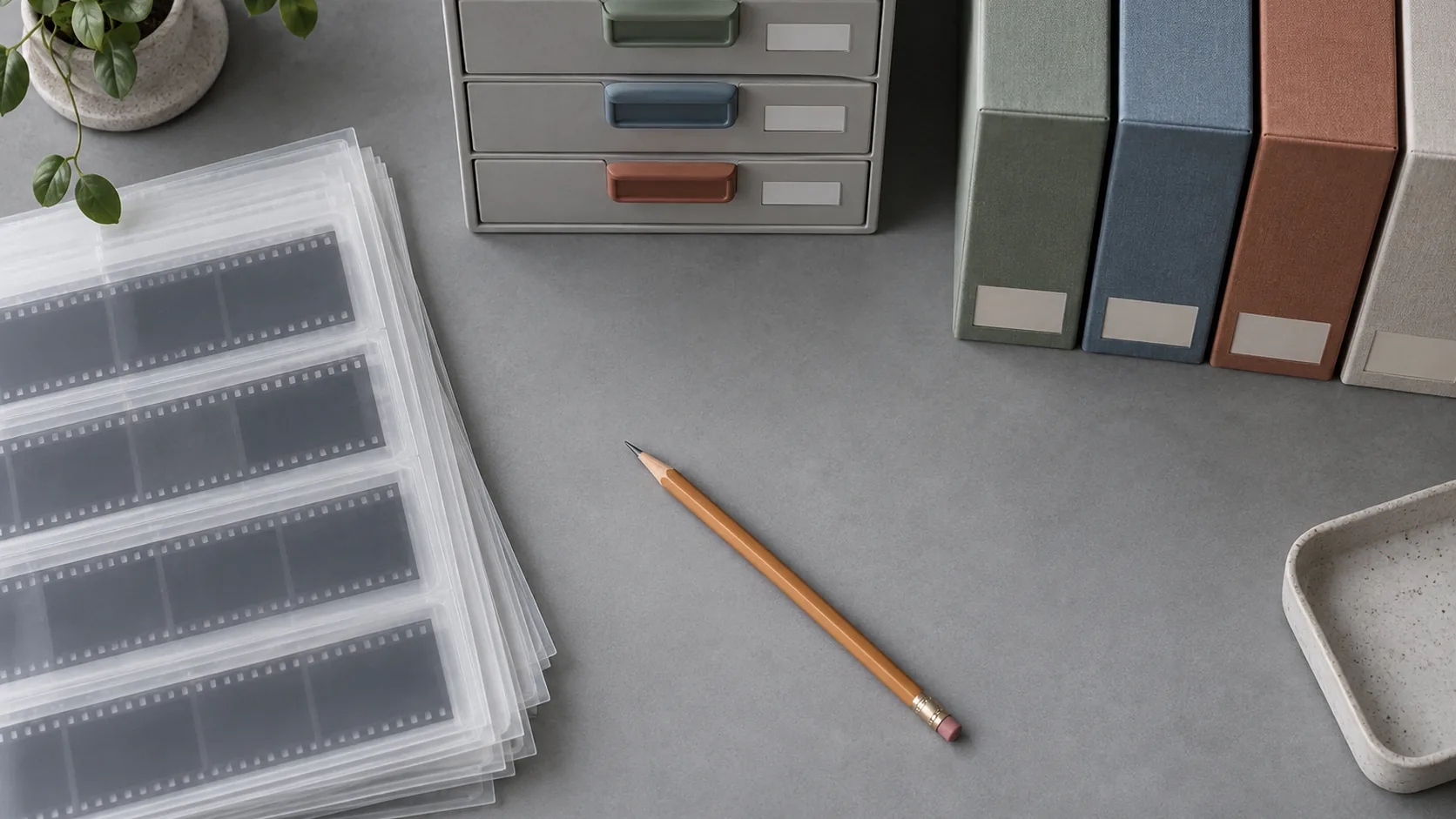
A photography shoot ends with a known number of files and a person who remembers the session. An AI batch ends with forty candidates, almost identical, generated from three prompts by someone who will forget the details by Thursday. That is why generated work needs a naming and versioning convention earlier than hand-made work does.
One naming pattern, applied everywhere
Pick a pattern and never vary it. This one covers most needs:
project_subject_format_purpose_v01
- project — campaign or client, lowercase with hyphens:
spring-launch - subject — what the image shows:
terracotta-mug - format — aspect or destination:
16x9,1x1,9x16 - purpose —
hero,social,thumbnail,email - version — always two digits:
v01,v02
Example: spring-launch_terracotta-mug_16x9_hero_v01.webp
Rules that make the pattern work:
- Lowercase, hyphens inside segments, underscores between them
- No spaces, no accents, no parentheses
- Two-digit version numbers so files sort correctly
- Date only when the set is seasonal or client-recurring:
2026-09
The point is not elegance. It is that the filename answers three questions without opening the file: what it is, where it goes, and whether it is current.
Versions, variants and rejects
Three categories, three different treatments:
Versions — the look changed: new palette, new light, new composition, retouching applied. New file, next version number, and the previous version stays. Never overwrite an approved version; you will need it when a stakeholder changes their mind.
Variants — the look is identical, the format differs: a square crop of the approved hero. Same version number, different format segment. All variants live together so an adaptation request does not require regeneration.
Rejects — everything not approved. Keep them for the duration of the campaign in a clearly separate folder, then archive with a one-line reason. A rejection log is the cheapest institutional memory you can build: "terracotta reads cheap at small sizes" saves a designer an afternoon six months later.
A folder structure that scales past one campaign
Keep the structure shallow. Deep nesting hides files; four levels is plenty:
kublaro/
  campaigns/
    2026-spring-launch/
      briefs/
      finals/
      variants/
      rejects/
      notes/
Two rules matter more than the shape:
- Finals contain only approved work. The moment a near-miss lives beside a final, someone ships the wrong file.
- Briefs live with the campaign, not in a separate documents folder. A brief separated from its output is a brief that will not be read.
If your team uses a digital asset manager or shared drive, replicate the same structure there. Consistency between the local archive and the shared one prevents the "which copy is real" problem before it starts.
Export formats and sizes
Decide the export set once per campaign, then produce the same set for every approved asset:
- Master — the highest-resolution approved file, untouched, for archive
- Web — compressed, correct colour profile, sized for the largest placement
- Social crops — each aspect ratio in the campaign plan
- Placeholder — a small, low-weight version for internal documents and mockups
Never let a web-compressed file become the master. It is the most common cause of "we need the original" two years later, and by then the generation settings are gone.
Metadata and provenance
Every approved asset should carry, at minimum:
- The brief version that produced it
- The tool and generation date
- The character, product or reference image used
- Licence notes for commercial use
- Alt text, written by a person
This is not overhead for its own sake. Provenance answers three questions that eventually arrive on every project: can we use this commercially, can we prove where it came from, and can we make another one like it.
What goes in a handoff packet
A handoff fails when the receiver has to ask for something. Include:
- Finals in every required format, named with the convention
- The brief and, if relevant, the style pack applied
- Reference images: character sheet, product shots, approved look
- Alt text and captions as a plain list, ready to paste
- Usage notes: where each asset is intended to appear, and what must not be changed
- Contact and deadline, in writing
One folder, one naming pattern, one brief. A collaborator who receives that can start work without a call.
Name files for humans, alt text for everyone
Two naming surfaces get confused, and both matter.
The filename is for the people who work with the archive. It should follow the convention and stay machine-safe: lowercase, hyphens, no spaces or accents. It is an index key, not a description.
The alt text is a sentence written for a person who cannot see the image. Describe what matters in this image at this size: "a matte terracotta mug on pale oak, lit from the left" rather than "product image, final, v2". Every format gets its own alt text when the crop changes what is visible, because a tight square crop may leave out the detail the wide version describes.
Keep both in the campaign notes so they are ready at publishing time. Writing alt text while the image is open takes seconds; reconstructing it a month later from a filename takes an afternoon and produces worse results. The QA pass in the AI image checklist treats missing alt text as a defect for exactly this reason.
Retention: what to keep and what to clear
Storage grows quietly. A simple policy keeps it manageable:
- Keep indefinitely: approved finals, briefs, reference sets, licence records
- Keep for the campaign: variants and rejects
- Clear when superseded: intermediate exports, duplicate crops, working files
Do not delete the only copy of a brief to save space. Do delete the fourth near-identical export of the same crop.
Handover is a design constraint
Run one full cycle — brief, generate, select, QA, export, hand off — and observe where the receiver has to ask questions. Every question is a missing field in your convention.
Start with the same asset run through the AI content creation workflow, and keep the QA checklist result with the file. Generating images is fast. Finding the right one six months later is what the convention is for — and the teams that name and version as they go never have to solve that problem at all.
Frequently asked questions
Why is naming more important for AI assets than for photography?+
Because volume is higher and the differences are smaller. A photo shoot produces dozens of frames; an AI batch produces dozens of frames per prompt. Without names that carry meaning, nobody can tell which file is approved.
What counts as a new version versus a variant?+
A version is a change to the approved look: palette, light, composition or retouching. A variant is the same approved look in another format, crop or size. Version the first, group the second.
How long should I keep rejected generations?+
Keep them for the current campaign, then archive the set with one line explaining why it was rejected. Rejections are the cheapest way to avoid repeating a direction that did not work.
What belongs in a handoff packet?+
The approved finals in every required format, the brief that produced them, the character or product reference if used, alt text, and the usage notes. Anything a collaborator would otherwise have to ask for.
Do I need to store prompts with the files?+
Store the brief, which is durable, and the prompt only as a note. Prompts are model-specific and go stale; briefs stay useful for years.
Make it with kublaro
Describe anything and generate stunning images in seconds; then bring them to motion with the best AI video models.