Watercolor Art Generator
Choose a subject and decide where the image should stay sharp, soft or nearly blank.
June 16, 2026 · updated October 2, 2026
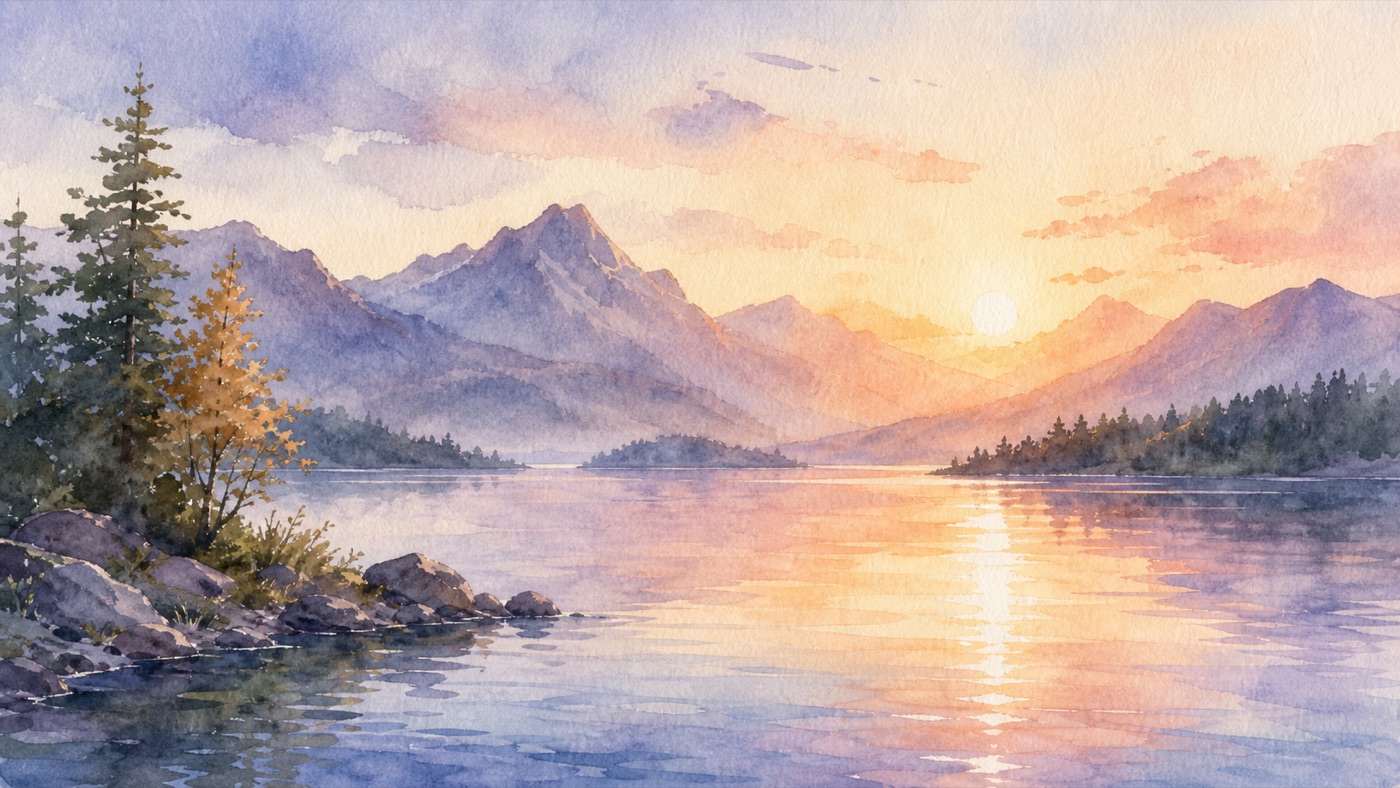
A watercolor-style image works best when the prompt gives the model a clear subject and a few deliberate choices. For the lake shown here, those choices are a low horizon, quiet reflections and soft washes around the trees. The image is an AI illustration, not a photograph of a hand-painted original.
Choose the watercolor treatment
Loose wet-on-wet washes soften boundaries. A dry-brush reference suggests broken texture and sharper accents. Cold-press paper suggests visible grain; hot-press suggests a smoother surface. These words describe the desired appearance rather than a real painting process.
Bold splash watercolor pushes saturated spatter and runs. Reserve that treatment for an energetic poster. A quiet landscape usually benefits from fewer effects and one area of clear detail.
Two prompts to adapt
Mountain lake in watercolor style, low horizon, misty pine forest, soft wet-on-wet blue and green washes, restrained reflected light, visible cold-press paper, quiet white sky, no text.
Botanical watercolor study of a single lemon branch, dry-brush detail on the leaf edges, translucent yellow washes, smooth hot-press paper, generous white margin, no lettering or decorative frame.
Replace the subject before changing the technique. Save the first result and change one instruction at a time so you can see whether the new version helps.
Make and review the image
- Open the studio, choose an image model and set the format.
- Paste a prompt and read the quote before generating.
- Inspect the focal subject, unwanted marks, repeated objects and the balance of detail to empty space.
- Download the selected version and check its pixel dimensions. Match those dimensions to the intended card, page or screen instead of assuming it is suitable for any print size.
If you want motion, describe one small action, such as drifting reflections. The available video model determines duration, audio and credit cost. Review the result for melting edges or flickering texture.
Current plans and limits
Starter costs US$10 for 90 credits a month; Creator US$25 for 240; Studio US$50 for 490; Agency US$100 for 1,000. Review the quote shown before each generation. Image dimensions depend on the selected model. The video editor exports MP4 in 1280×720, 720×1280 or 960×960.
Compare plans and read the terms. Paid-plan commercial-use terms require you to review reference images, trademarks and recognizable people. A style prompt does not clear those rights or guarantee a particular result.
Keep the original prompt and selected image together. That record makes the next illustration easier to brief.
Frequently asked questions
How do I control watercolor softness?+
Use wet-on-wet for soft transitions and dry-brush or hot-press paper references for sharper detail. Review the generated edges; a prompt is not a physical painting process.
Can I animate the image?+
The studio offers image-to-video with model-specific duration, audio and credit quotes. Check the selected model before generating.
Can I use the artwork commercially?+
Paid-plan commercial-use terms require you to review reference images, trademarks and recognizable people. A style prompt does not clear those rights or guarantee a particular result.
Make it with kublaro
Describe anything and generate stunning images in seconds; then bring them to motion with the best AI video models.