Best AI Image Generator for YouTube Thumbnails
The best AI thumbnail workflow depends on whether you need layout editing, readable text, or fast prompt-to-visual exploration. kublaro is strongest when creators want many thumbnail directions routed across multiple image models from one prompt.
June 23, 2026
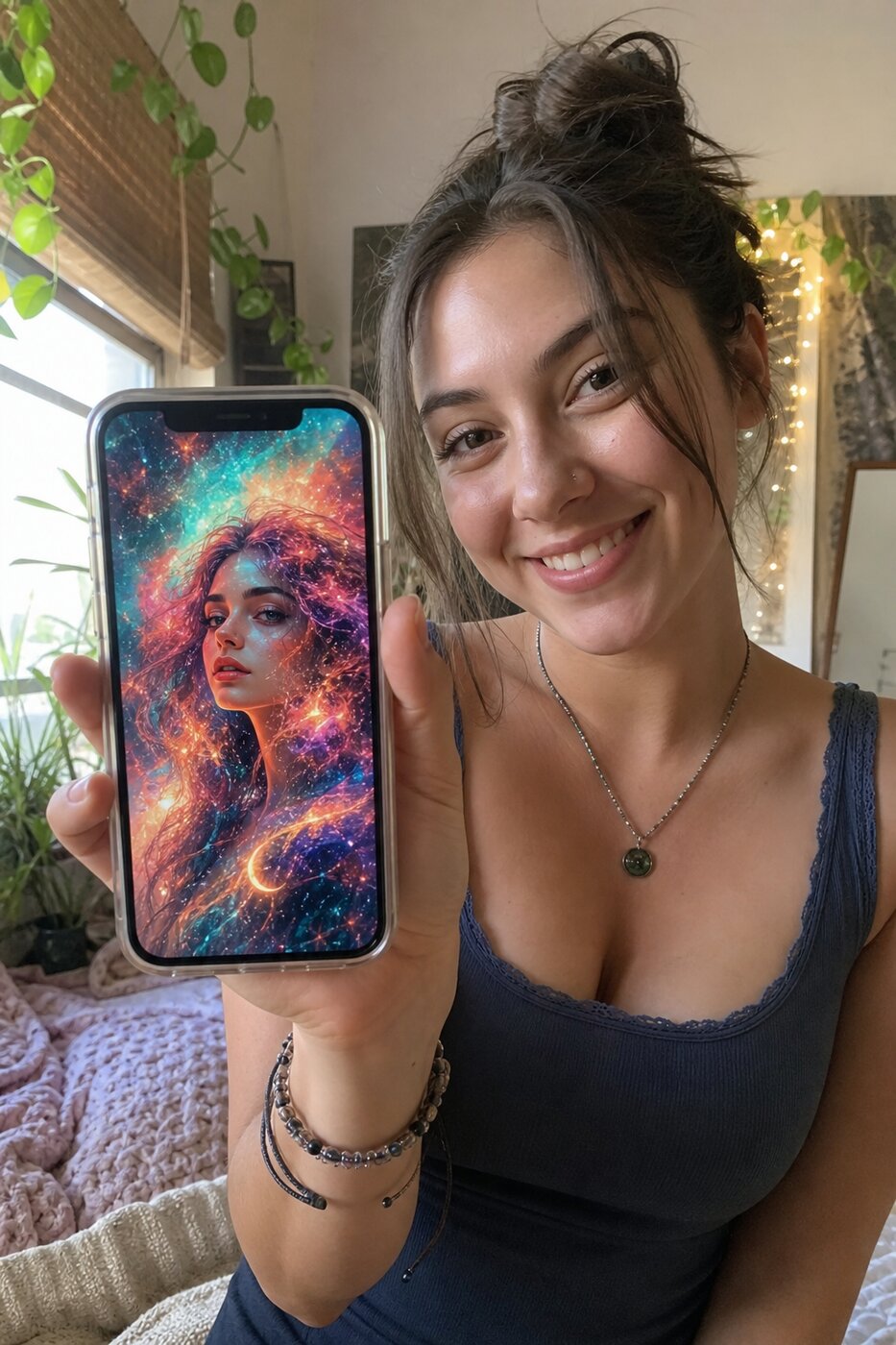
Choosing the best ai image generator for youtube thumbnails is not just about making a pretty image. A strong thumbnail needs one clear subject, instant emotional read, open space for text, and enough visual contrast to work at small sizes in YouTube's grid.
kublaro is a strong fit for creators, marketers, and small teams that want to explore many thumbnail directions from prompts instead of choosing one model manually. Its smart routing can auto-pick from image models including FLUX.2 Pro, GPT Image, Seedream 4, Nano Banana 2, Recraft V3, Ideogram V3, and Qwen-Image.
Quick comparison
| Tool type | Best for | Tradeoff | Where kublaro fits |
|---|---|---|---|
| Canva-style editors | Manual layout, text placement, brand templates | Slower visual exploration from a blank idea | Use kublaro first for the core image, then add final text if needed |
| Ideogram-style text tools | Concepts where lettering is part of the image | May be narrower than a full image and video studio | kublaro includes Ideogram V3 in its image model lineup |
| General image generators | Fast prompt-to-image creation | You may need to pick the right model yourself | kublaro routes prompts across multiple SOTA image models |
| AI image and video studios | Thumbnail stills, batch variants, and motion follow-ups | Paid workflow, not a free playground | kublaro adds image-to-video with models such as Veo 3.1, Kling 3.0 Pro, Seedance 2.0, and more |
What a YouTube thumbnail generator should do
A thumbnail generator should help you make a visual that stays readable at 1280x720 and still works when displayed much smaller.
First, it should support strong composition prompts: "close-up subject on the right third, dramatic side light, clean negative space on the left." Second, it should generate variants quickly, because the first idea is rarely the best. Third, it should export high enough resolution for clean downscaling.
kublaro supports text-to-image, batch generation, 30+ style packs, multilingual prompts, and exports up to 4K. That combination is useful when you make thumbnails regularly and want to keep testing hooks, expressions, colors, and visual metaphors.
When Canva-style editors are better
Choose a Canva-style editor when the main job is typography and layout control. If you already have a photo, brand kit, and exact headline, a manual editor can be the right finishing tool.
For many creators, the best workflow is hybrid: generate the visual in kublaro, leave deliberate empty space, then place the final headline in an editor where every letter is crisp and editable. This avoids depending on AI text rendering for the final upload.
When text-focused generators help
Some thumbnails need words baked into the scene, such as a sign, label, comic cover, or bold poster-style concept. That is where text-oriented image models can help.
kublaro's image lineup includes Ideogram V3, alongside FLUX.2 Pro, GPT Image, Seedream 4, Nano Banana 2, Recraft V3, and Qwen-Image. The point is not that one model wins every thumbnail. The point is that kublaro's smart routing can choose the best-fit model for the prompt, so you do not need to keep switching tools for different looks.
Best prompts for thumbnail exploration
Good thumbnail prompts are specific about layout. Try this structure:
"YouTube thumbnail, close-up of [subject], [emotion], [background], high contrast lighting, bold color palette, clean negative space on [side] for headline text, 16:9 composition."
Then create variants by changing only one variable at a time. Test a surprised expression versus a focused expression. Swap red for electric blue. Move the subject from center to right third. Batch generation makes these controlled variations much faster.
Why kublaro is a strong commercial choice
kublaro is not a free-tier thumbnail toy. Pricing is paid only: Trial $10, Starter $20, Plus $50, and Pro $100 monthly, with annual plans around 40% off and one-time credit top-ups available.
That pricing makes sense when thumbnails are part of a broader content workflow. The same studio can create text-to-image assets, animate stills into image-to-video clips, produce short promo visuals, and route motion work across models such as Google Veo 3.1, Kling 3.0 Pro, Seedance 2.0, MiniMax Hailuo 02, Wan 2.5, Luma Ray 2, LTX-2, and PixVerse.
If you only need to place text on an existing photo, use a layout editor. If you want prompt-to-visual exploration, batch thumbnail variants, commercial licensing, and a path from still image to video, review kublaro pricing or start creating.
Frequently asked questions
What is the best ai image generator for youtube thumbnails?+
The best choice depends on the job: Canva-style editors are useful for manual layouts, Ideogram-style tools are strong for text-heavy concepts, and kublaro is best when you want prompt-led visual exploration across multiple image models.
Can kublaro make YouTube thumbnails?+
Yes. kublaro can generate 16:9 thumbnail visuals from prompts, create batch variants, use 30+ style packs, and export up to 4K for clean downscaling.
Which kublaro image models matter for thumbnails?+
kublaro can route image prompts across FLUX.2 Pro, GPT Image, Seedream 4, Nano Banana 2, Recraft V3, Ideogram V3, and Qwen-Image.
Does kublaro have a free tier?+
No. kublaro has no free tier. Monthly plans are Trial at $10, Starter at $20, Plus at $50, and Pro at $100, with annual savings and one-time credit top-ups.
Should I add thumbnail text inside the AI generator?+
For maximum readability, generate the visual with space for text, then add the final headline in your editor. Use text-capable models when you want to explore integrated lettering.
Make it with kublaro
Describe anything and generate stunning images in seconds; then bring them to motion with the best AI video models.