Anime Portrait Generator
An anime portrait brief makes a few deliberate choices: what the character looks like, how the face is framed and where the light comes from. A style label alone leaves those decisions open.
June 16, 2026
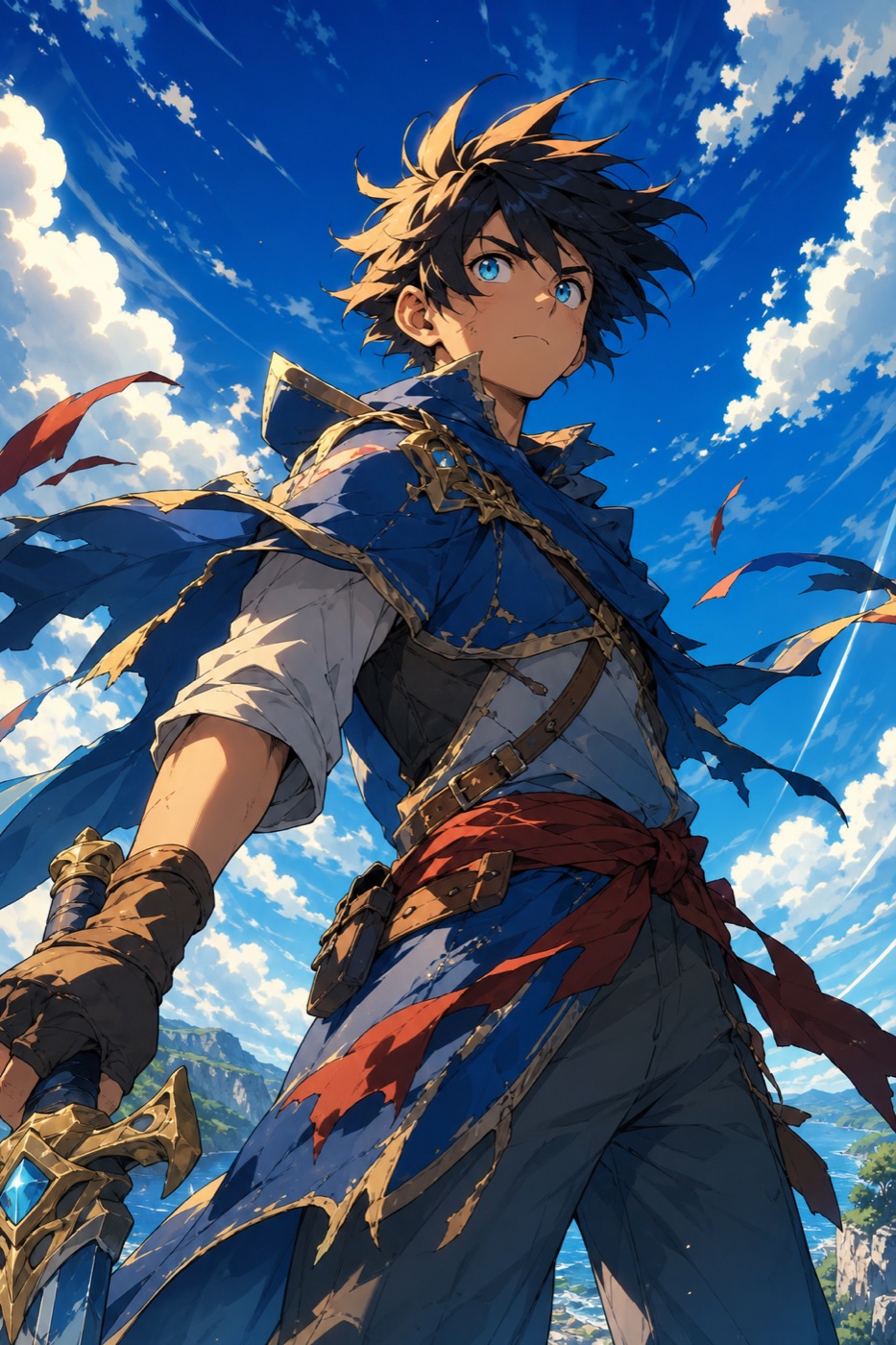
An anime portrait generator turns a written description into a single-character anime illustration — a face and bust rendered with the conventions of Japanese animation rather than photography. With kublaro, describe the character, expression and framing, then review the available model and credit quote before generating. Check the resulting dimensions before downloading.
Existing illustrative anime artwork: compare the face, silhouette and framing rather than expecting this exact result from a new prompt.
What an anime portrait is
Anime portraiture is about the face above everything else. The hallmarks are large, glossy eyes with catchlights, a tiny simplified nose, soft or pointed chin lines, and hair drawn as bold sculpted shapes rather than individual strands. Color sits in flat blocks or smooth cel-shaded bands, and the outline does a lot of the work — clean, confident ink lines define the form. Compared with a realistic portrait, detail is removed deliberately so emotion reads instantly.
A good anime portrait is also a piece of acting. The angle of the eyebrows, the size of the pupils, a single tear or a sweat-drop, the tilt of the head — these carry the mood. That is why prompting expression matters as much as prompting appearance.
How kublaro makes anime portraits
Describe the character and the rendering choices together: expression, framing, linework, palette and lighting. Review the available model, format and credit quote before generation, then compare the result with that brief. Image dimensions and supported controls depend on the selected model.

Illustrative planning scene showing how character, linework and palette can be considered together; this is not a screenshot of the studio.
Change one detail at a time
Start with a head-and-shoulders portrait against a simple background. Keep the character description fixed while changing one element, such as the expression or lighting. This makes the differences easier to assess, although it does not guarantee identical features across generations.
For example, keep “adult courier, short teal hair, navy jacket” unchanged and compare “thoughtful expression, soft evening light” with “confident expression, bright side lighting.” These are illustrative prompt variations.
When your brief is ready, start creating on the anime portrait creation page. Review the available model and credit quote before generating.
Looks and variations
The same generator covers a wide range of portrait dialects. Soft shoujo leans pastel with delicate lashes and sparkle. Shonen reads bolder, with harder shading and dramatic rim light. Retro 90s cel brings grain, muted palettes and that hand-painted background glow. Modern flat-color is clean and merch-ready. You can also push toward chibi for a cute oversized-head version, or dark seinen for moodier, more grounded faces.
Use cases
Anime portraits are a natural fit for profile pictures and avatars, story and game character casts, channel or stream branding, fan-style tribute art, visual-novel headshots, and character sheets for a comic before you commit to full pages. If you need a moving avatar, check the current image-to-video controls and quote separately.
How to make one in kublaro
- Open the anime portrait creation page, then continue to the studio.
- Review the model and credit quote. Generation requires a paid plan and credits.
- Write the character: hair color and shape, eye color, outfit, age and a clear expression.
- Add framing — for example "close-up bust shot, three-quarter angle, soft window light."
- Generate a first version, inspect the face and crop, then check the image dimensions.
- If you need motion, compare the current image-to-video settings and credits.
A reliable prompt skeleton is: subject and key features, then expression, then framing and lighting, then any extra style words. For example: "young swordswoman, long silver hair tied back, sharp green eyes, calm determined look, close-up three-quarter portrait, dramatic side lighting, cel shaded." Keep the most important traits clear so you can assess them in the result.
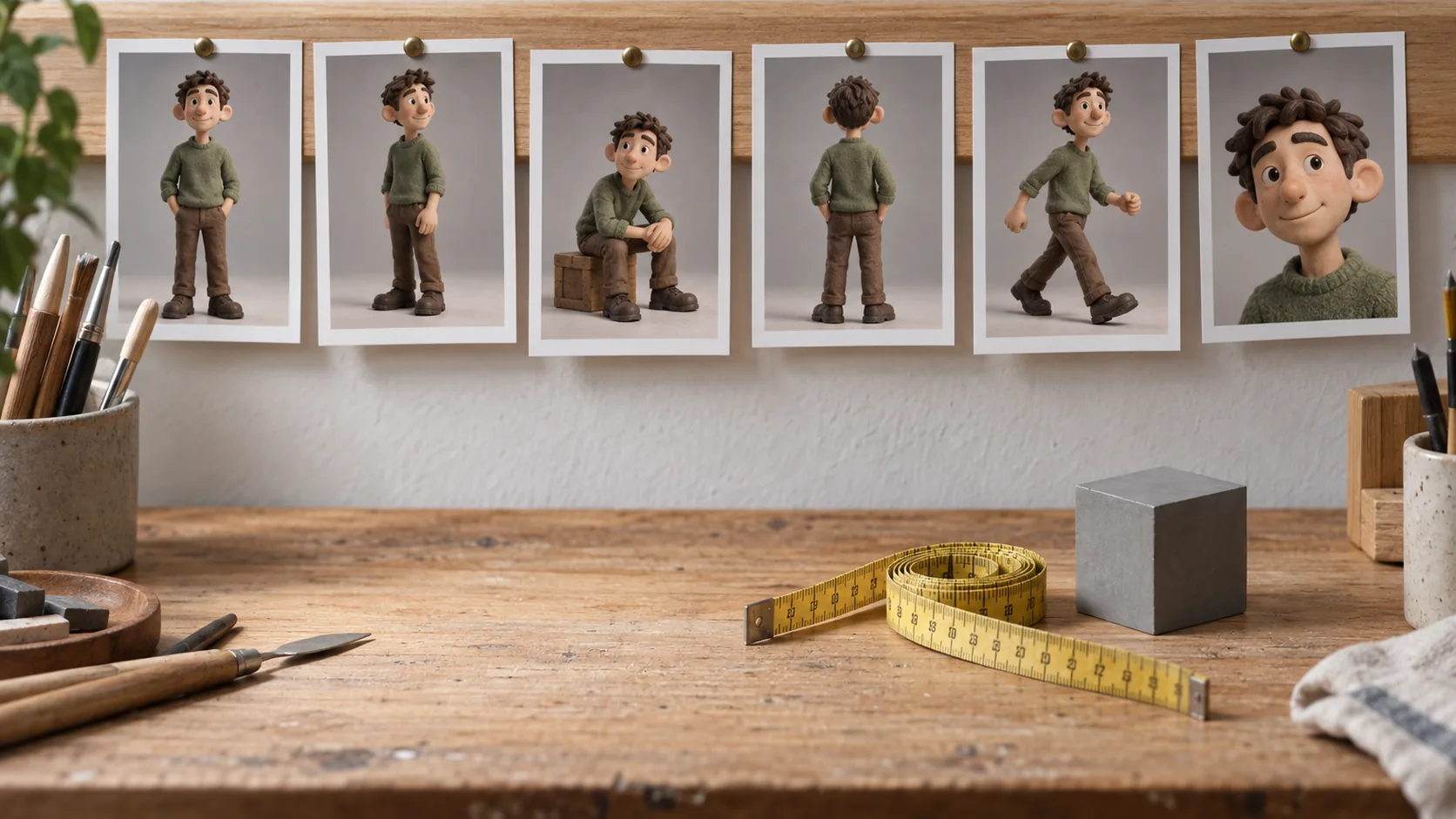
This existing study uses a 3D-looking style. The comparison checks also apply to anime portraits: facial features, proportions and clothing should be reviewed across results.
Anime portraits reward iteration — change one variable at a time, like eye color or lighting, and regenerate. Keep a permitted reference if supported, and compare each new image against the features you want to retain.
Ready to design your character? Create an account to start generating, explore more looks on the anime wallpaper generator, or learn the fundamentals of styling a face with the cartoon portrait generator.
Frequently asked questions
What makes an anime portrait different from a regular AI portrait?+
An anime portrait keeps the conventions of the medium — large expressive eyes, simplified noses, clean ink-style outlines and flat or cel-shaded color — instead of photographic skin and texture. Describe those visual choices in your prompt and compare the available model options.
Can I control the camera framing and pose?+
Yes. You can ask for a close-up bust shot, a three-quarter angle, a looking-over-the-shoulder pose or a head-and-shoulders profile, and describe the expression — calm, smirking, teary, determined.
Can I keep the same character across several portraits?+
Keep the description of hair, eye color and outfit stable. If the selected model accepts a reference image, use one you have permission to use. Compare facial features across results; consistent wording and a reference do not guarantee identical features.
Can I turn an anime portrait into video?+
The studio offers an image-to-video entry. Check the current model, supported inputs, motion settings and credit quote before choosing an animation workflow.
Is the artwork licensed for commercial use?+
Read the current terms and your plan conditions before commercial use. Review the rights to reference images and the intended output.
Make it with kublaro
Describe anything and generate stunning images in seconds; then bring them to motion with the best AI video models.