AI Visuals for Restaurants
Turn one phone photo of a dish into menu-ready images, scroll-stopping social posts and short food videos.
June 16, 2026
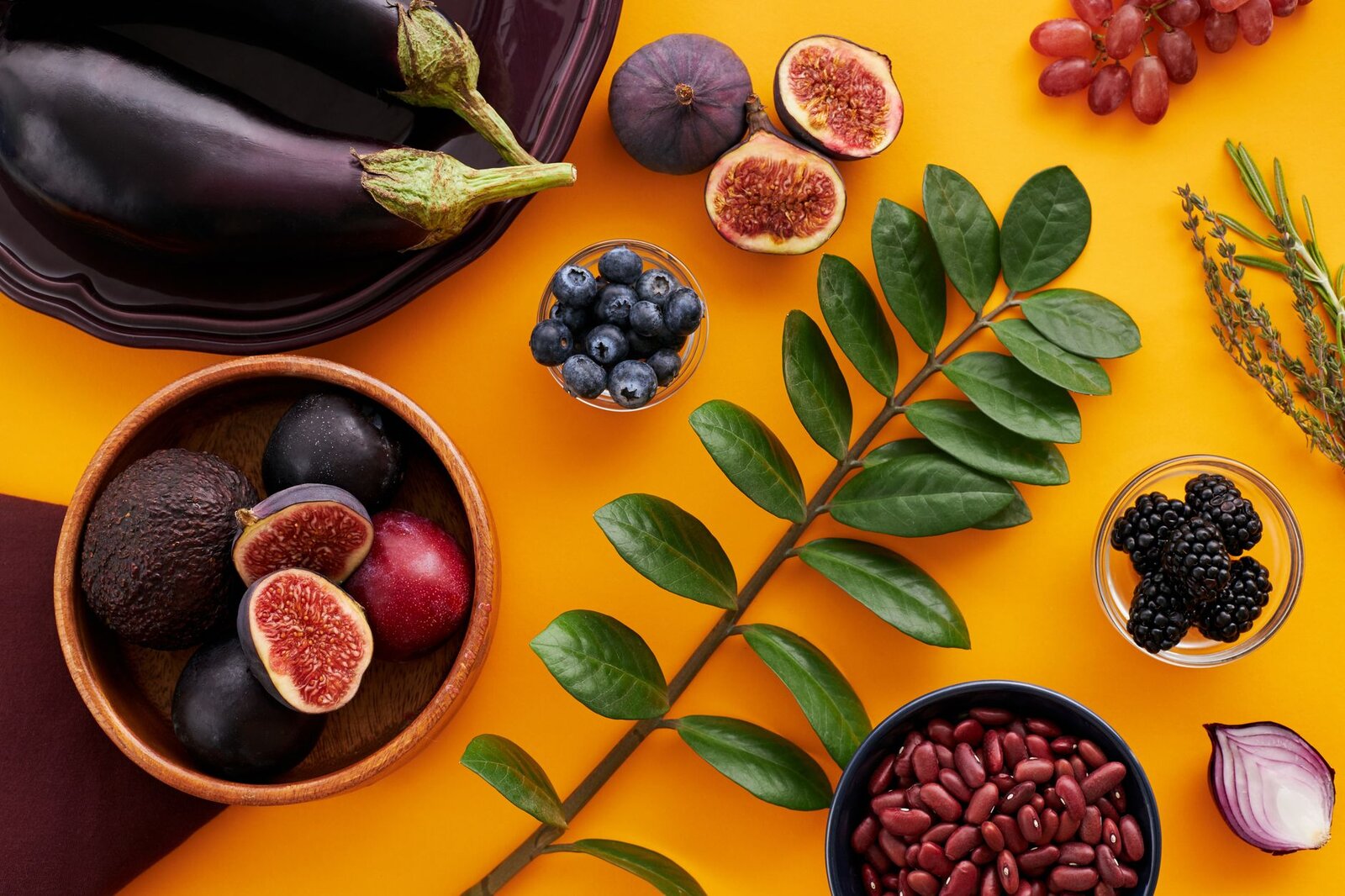
AI visuals for restaurants let you produce appetising dish photography, clean menu art, social posts and short food videos without booking a studio or a food stylist. With kublaro you describe the dish and the look you want, and Smart Routing sends each task to the best-fit AI model, then returns images up to 4K with a commercial license on Pro and above. One phone snapshot of a plate can become a polished menu hero, a square ad and a five-second hero video in the same session.
What you can create
- Hero dish photography that makes a single plate look its best, with controlled lighting, shallow depth of field and clean backgrounds.
- Full menu sets with a consistent style across starters, mains and desserts so the menu feels designed, not stitched together.
- Social posts sized for Instagram, TikTok and Facebook, with room for a price, a promo or a daily special.
- Delivery-app thumbnails that read clearly at small sizes on UberEats, DoorDash and similar listings.
- Short food videos: steam rising, a sauce pour, a slow pan across a sharing platter, ideal for Reels and in-store menu screens.
Why Smart Routing matters for food
Food is one of the hardest subjects to fake. Textures, sauces, char marks and steam each suit different models. Instead of asking you to pick, kublaro's Smart Routing reads what you are trying to do and routes the job for you.
- A crisp, photoreal plate goes to a strong SOTA diffusion model such as a Seedream, Flux or Imagen-class engine.
- Text on a promo graphic, like a price badge or a "2-for-1" tag, routes toward a GPT-image-class model that handles legible type.
- A short clip from a still photo routes to a video model such as Kling 3.0, Veo 3.1 or Seedance 2.0, chosen by the kind of motion you asked for.
You describe the outcome; kublaro keeps the model lineup current so you are never chasing the newest release.
How to make restaurant visuals with kublaro
- Start from a real plate. Upload a phone photo of the actual dish on the AI product photography tool so the result stays true to what guests receive.
- Describe the scene. Note the surface, lighting and mood, for example "warm overhead light, dark slate, soft steam, shallow focus."
- Let routing choose the model. kublaro picks the best-fit engine and returns several options to compare.
- Refine the styling. Adjust angle, garnish emphasis or background until the plate looks irresistible.
- Add a promo layer. Send it to the AI ad creative generator to place a price, offer or logo with clean, readable text.
- Animate the best shot. Drop the final image into image-to-video for a short loop with steam, a pour or a gentle pan.
- Export. Download up to 4K for print menus and signage, plus lighter sizes for social and delivery apps.
Keeping a consistent brand look
A scattered feed makes even great food look amateur. To stay coherent:
- Lock a palette and lighting style in your prompt and reuse it across the whole menu.
- Keep the same plating direction, such as off-centre with breathing room, for every category.
- Match your social grid to your menu photography so guests recognise you across channels.
- Reuse approved background and surface descriptions instead of reinventing them each time.
If you want sharper wording, the AI image prompting guide shows how to describe light, texture and composition so dishes read as appetising rather than flat.
From still to scroll-stopping video
Static photos sell the menu; motion sells the craving. Once you have a hero image, image-to-video turns it into a short clip that suits a fast-moving feed. A rising swirl of steam over a bowl of ramen, a slow drizzle of caramel, or a lazy pan across a brunch spread all read instantly in Reels, Stories and TikTok, and loop nicely on in-store menu screens. kublaro routes each clip to the video model that fits the motion, so you get believable movement without learning a single tool's quirks.
Get started
You can also generate visuals from scratch with the AI image generator when you do not have a usable photo yet, such as for a new dish or a concept tasting menu. When you are ready to use the visuals commercially, choose a Pro plan for the commercial license, 4K exports and full access to Smart Routing across every food task. Create your first dish visual and have a menu-ready image and a short video in your first session.
Frequently asked questions
Can I use these AI visuals on my menu, website and ads?+
Yes, on the Pro plan and above, which include a commercial license for paid and promotional use. The Starter plan is for personal evaluation only. If you run a restaurant, food truck or catering business, choose Pro so your menu, delivery listings and ad creatives are fully covered.
Do I need to know which AI model is best for food photography?+
No. You describe the dish and the outcome you want, and kublaro's Smart Routing sends the job to the best-fit model for that task. You never have to compare diffusion models or chase the latest release, since kublaro keeps the lineup current behind the scenes.
Will the food still look like my actual dish?+
If you upload a reference photo, kublaro works from your real plating so the result stays recognisable instead of inventing a generic dish. You can guide the angle, lighting and styling, and refine until it matches what guests actually receive at the table.
What resolution do I get for print menus and large signage?+
You can generate visuals up to 4K, which is sharp enough for printed menus, posters, table tents and storefront signage. For social feeds and delivery apps you can export lighter versions, so one shoot covers both print and digital.
Can kublaro make short videos of my food, not just images?+
Yes. With image-to-video you turn a single dish photo into a short clip with steam, a pour or a slow pan, routed to a video model like Kling 3.0 or Veo 3.1 depending on the motion. These short loops work well for Reels, TikTok, Stories and menu screens.
Make it with kublaro
Describe anything and generate stunning images in seconds; then bring them to motion with the best AI video models.