AI Vector Art Generator
Make a clean mascot or icon by defining its silhouette, palette and background before adding details.
June 16, 2026 · updated October 2, 2026
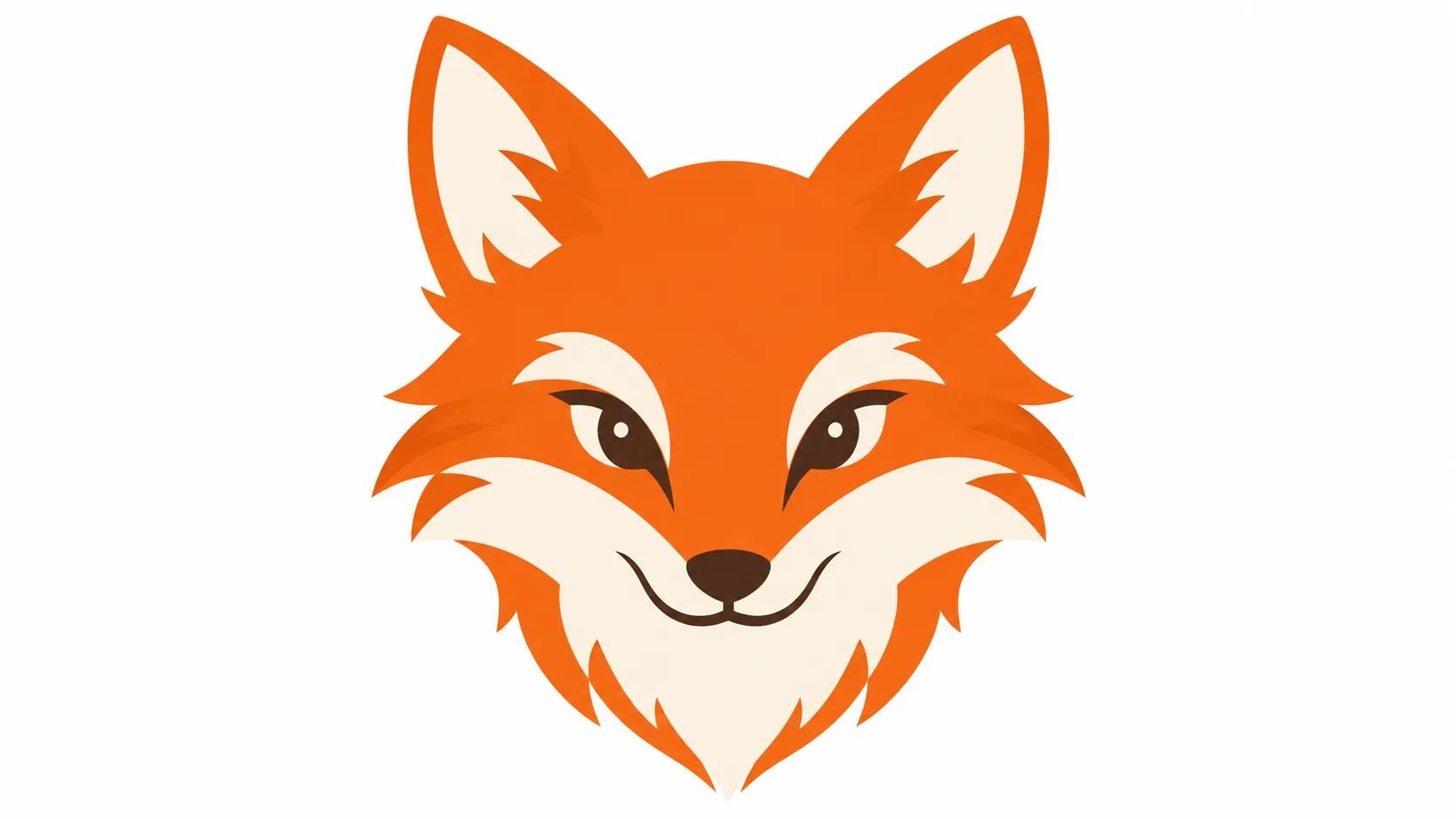
A vector-style image can be a useful starting point for an icon, mascot or sticker. Kublaro creates pixels with that appearance; it does not turn a prompt into editable vector paths. Decide whether you need a concept image or a production SVG before you begin.
Start with the silhouette
For a fox mascot, describe the ears, tail and face before texture. Limit the palette to orange, cream and one dark outline. A plain background makes it easier to review edges and isolate the subject later.
Flat vector-style fox mascot, simple upright ears and curled tail, orange and cream palette, broad geometric shapes, centered composition, white background, no letters, no gradients, no fine fur texture.
For an app icon, replace the full body with a head silhouette. For a sticker, leave a clear margin around the shape. Save the prompt and settings so the next image starts from the same decisions.
Generate, inspect, then trace if needed
- Open the studio and choose an available image model.
- Set the format, paste your prompt and read the credit quote.
- Generate a first version. Inspect the outline at small size and enlarged size.
- Remove accidental letters, uneven borders or distracting extra shapes before using the image.
- If you need SVG, use a separate vector editor or tracing tool. Inspect node count, holes, corners and overlapping paths rather than assuming the conversion worked.
A transparent background is also something to verify in the file. Asking for one does not prove the output contains an alpha channel.
Match the file to its destination
Use a square composition for an icon, leave crop room for an avatar and test the silhouette against a light and dark background. Keep text in your layout editor instead of relying on generated lettering. A logo used for a business also needs its own trademark review.
Current plans and limits
Starter costs US$10 for 90 credits a month; Creator US$25 for 240; Studio US$50 for 490; Agency US$100 for 1,000. Review the quote shown before each generation. Image dimensions depend on the selected model. The video editor exports MP4 in 1280×720, 720×1280 or 960×960.
Compare plans or read the terms. Paid-plan commercial-use terms require you to review reference images, trademarks and recognizable people. A style prompt does not clear those rights or guarantee a particular result.
Start with one graphic you can inspect carefully. Add the remaining set after its shape and palette work at the intended size.
Frequently asked questions
Does Kublaro export editable SVG?+
This generator creates raster images with a vector-like appearance. Editable SVG requires a separate tracing and path-review step; clean tracing is not guaranteed.
How do I make a matching icon set?+
Keep the palette, viewpoint, background and line weight in your saved brief. Review each result together at the size where it will be used.
Can I use the image commercially?+
Paid-plan commercial-use terms require you to review reference images, trademarks and recognizable people. A style prompt does not clear those rights or guarantee a particular result.
Make it with kublaro
Describe anything and generate stunning images in seconds; then bring them to motion with the best AI video models.