AI Poster Maker
Create poster concepts for events, launches and promotions. Describe the imagery, mood and headline, then review the wording and output dimensions before publishing or printing.
June 16, 2026
An AI poster maker turns a written brief into a poster composition, combining imagery, color and space for a headline. With kublaro, describe your event, the mood and the wording you want. Review the generated text, composition and actual image dimensions before using the result.
What an AI poster maker does
Posters have to do a lot in one glance: communicate the event, set a tone and pull the eye in. An AI poster maker helps explore a composition — background art, focal subject, color story and headline placement — from your description. kublaro is a consumer AI image and video studio, so you can design a poster and then turn it into an animated promo without switching tools.
This is ideal for events, product launches, gigs, sales and community announcements where you need something polished fast and may want several variations.
How kublaro creates posters
Start with the available image models and styles, then shape the brief around the poster’s destination:
- Style packs — cinematic, retro, minimalist, grunge, festival and editorial looks.
- Headline text — describe the wording and placement directly in your prompt.
- Aspect ratios — generate portrait poster shapes, social squares and vertical stories.
- Output dimensions — check the selected model’s available format and compare the downloaded image with your printer’s requirements.
- Commercial use — review the current terms and the rights to your inputs and intended output.
- Motion — explore image-to-video for a moving version; review its model, settings and credit quote separately.
Write your headline and brief in your own language, then check the generated wording for accuracy. A convincing composition does not guarantee correct letters, dates or names.
How to make a poster with kublaro
- Open kublaro and start a new project in the create studio.
- Pick a style pack that matches the vibe — festival, cinematic or minimalist.
- Write a prompt with the subject, mood, colors and headline (for example, "summer rooftop music night, warm sunset palette, big bold headline 'Skyline Sessions'").
- Choose a portrait poster aspect ratio before generating.
- Generate a batch and pick the strongest composition.
- Check the downloaded image dimensions. Add or refine exact text in your editor, and confirm the file meets the requirements of your intended screen or printer.
Where AI posters work best
- Events and gigs — concerts, meetups, markets and workshops.
- Product launches — announce a release with a hero visual.
- Promotions and sales — seasonal offers and store campaigns.
- Community and class flyers — clubs, courses and local notices.
- Digital signage — screens, lobbies and storefront displays.
Pair your poster with matching assets from kublaro: design a brand mark with the AI logo generator, spin up paid variants with the AI ad creative generator, or apply the same type-forward style to an album cover.
Compare three composition approaches
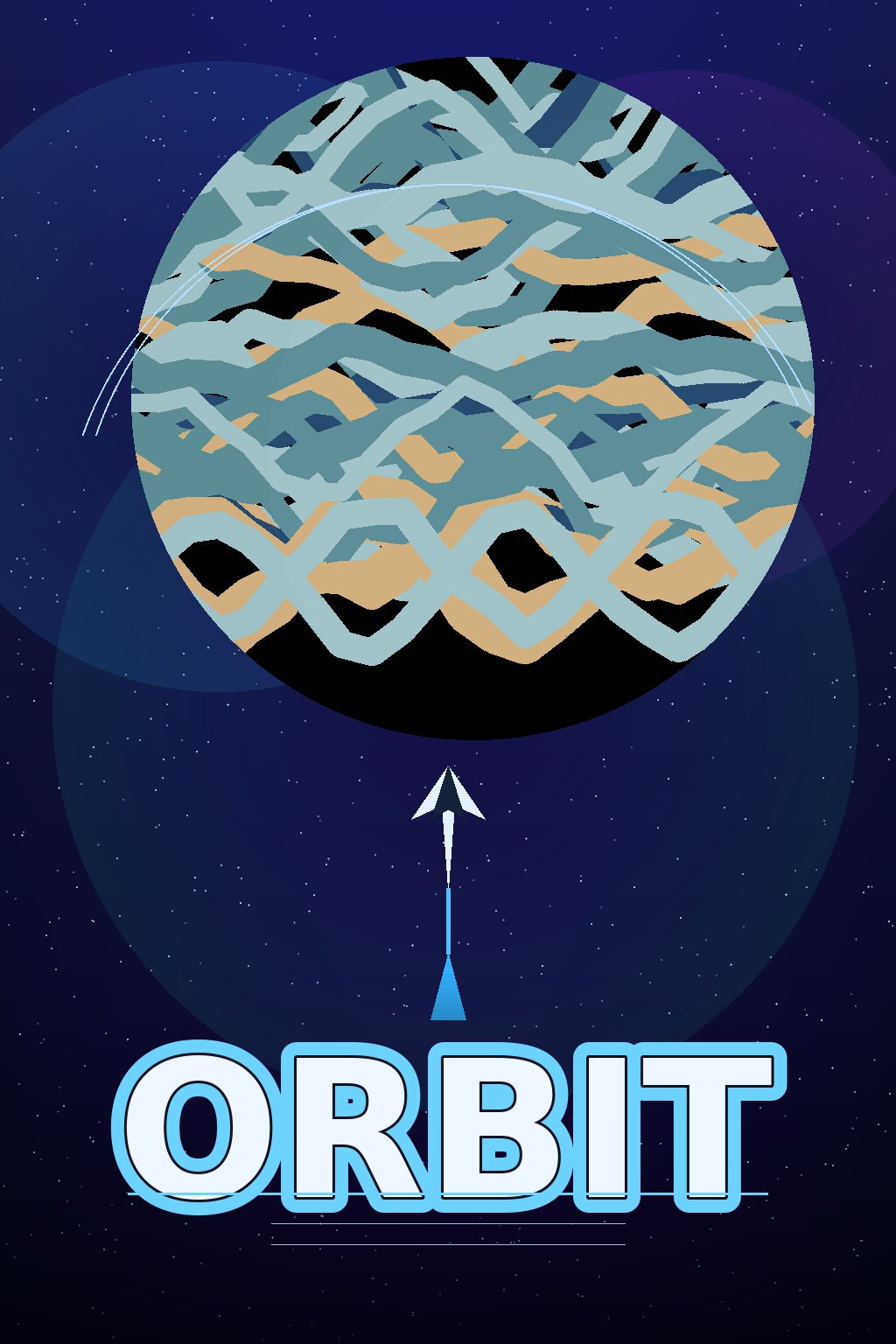
The ORBIT example uses one large shape and a short title. Compare the title’s weight with the central graphic: both remain readable when the poster is reduced. Your own event poster also needs room for its date and location; do not assume this sparse layout can carry a dense schedule unchanged.
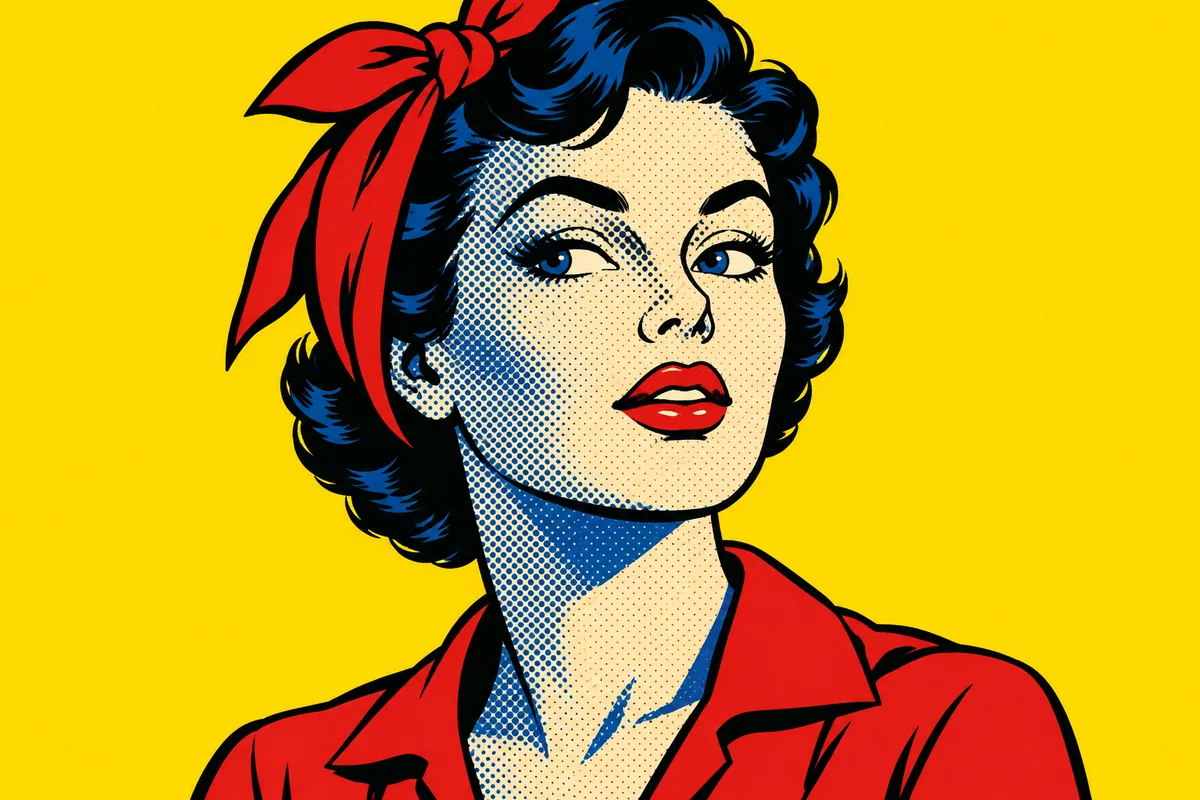
This pop-art image offers a strong focal subject and a small palette. As poster artwork, it would need a deliberate title area rather than lettering across the face. Describe that space in the prompt, then add the final event information in your layout editor.
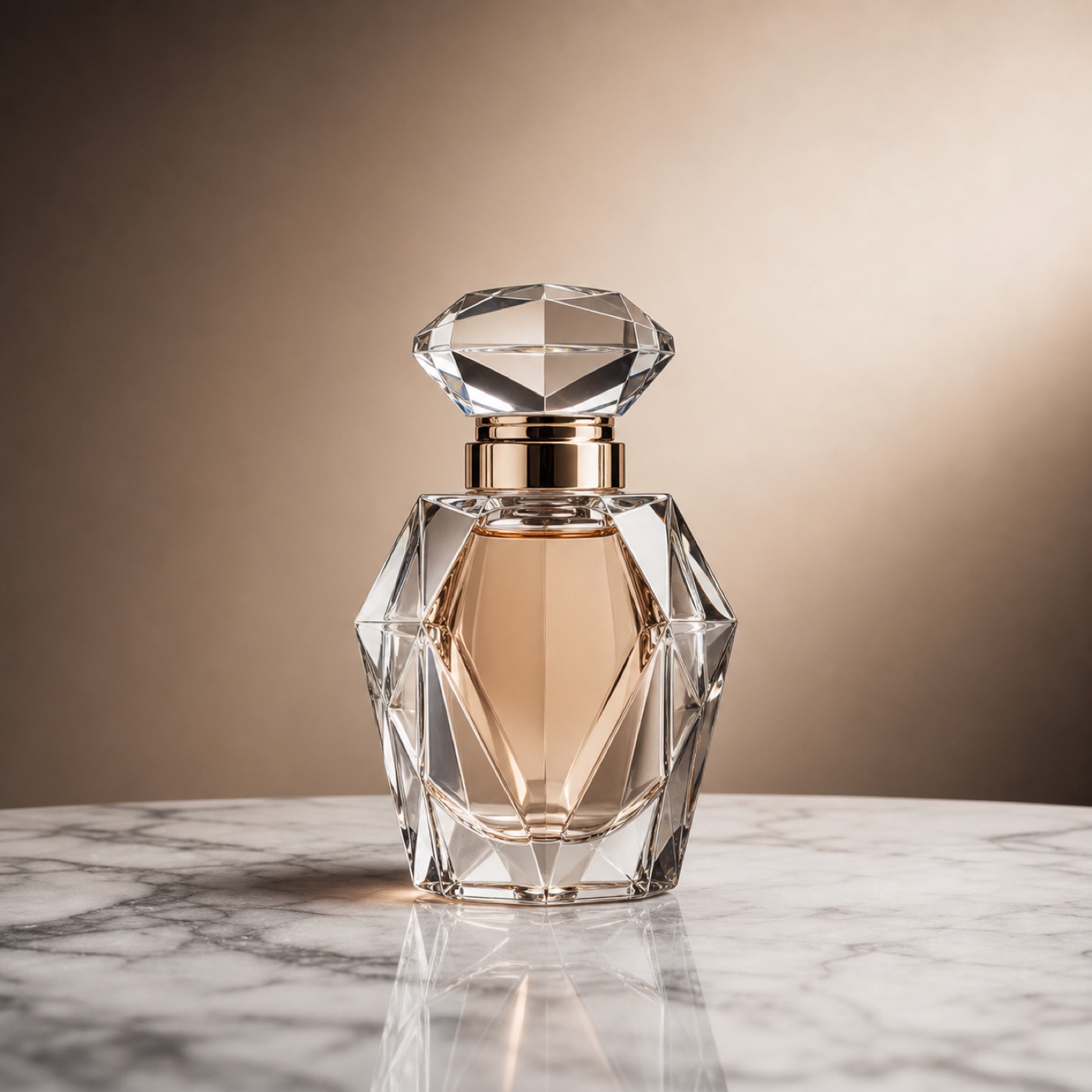
A product launch can start with quieter artwork. Here the bottle draws the eye while the plain background offers room for a short message. For a real product campaign, compare the bottle, label and color with the actual product before publication; an attractive concept is not evidence that those details are accurate.
Tips for posters that read at a glance
Lead with one clear focal point — a single strong subject beats a busy scene. Keep your headline short and name it explicitly in the prompt so the layout leaves room for it. Choose a tight palette (two or three colors) to keep the design coherent and on-brand. Generate the exact aspect ratio you will publish in, since cropping later can break the composition. And because AI text can be imperfect, plan to finalize critical wording — dates, times, prices — as crisp text in an editor over the generated background.
Generate a few directions and compare them side by side; the poster that survives a three-second glance is usually the one to ship.
Why kublaro for poster design
kublaro is a paid image and video studio. Compare the current plans for included credits and read the current terms before using generated content commercially. Compare plans and credits.
Choose the next revision from a specific problem: simplify the background if the headline is hard to read, move the subject if it competes with event details, or change the palette if the poster loses contrast at thumbnail size. Before printing, ask the printer for the final dimensions, required resolution and bleed; check those against the actual file rather than assuming a model’s output is ready for every format.
Ready to make your next poster? Start creating now, browse more tools in the create hub, or level up your prompting in the learn hub.
Frequently asked questions
Can the AI poster maker add text to my poster?+
Describe the headline and key wording in your prompt, then check every letter in the result. For precise final typography, add the wording in your layout editor.
What sizes can I export?+
Output dimensions depend on the selected model. Check its available format and compare the downloaded file with your printer’s required dimensions and resolution.
Can I use AI posters for my business?+
Commercial use is subject to the current terms and the rights involved in your inputs and output. Review those conditions before publishing a poster for an event, promotion or client.
Can I match my brand colors and style?+
Yes. Name your colors and mood in the prompt and choose a style pack to keep the poster on-brand.
Can I turn a poster into a video?+
You can explore the image-to-video workflow for a moving promo. Check the currently available model, settings and credit quote before generating.
Make it with kublaro
Describe anything and generate stunning images in seconds; then bring them to motion with the best AI video models.