AI Landscape Generator in Watercolor Style
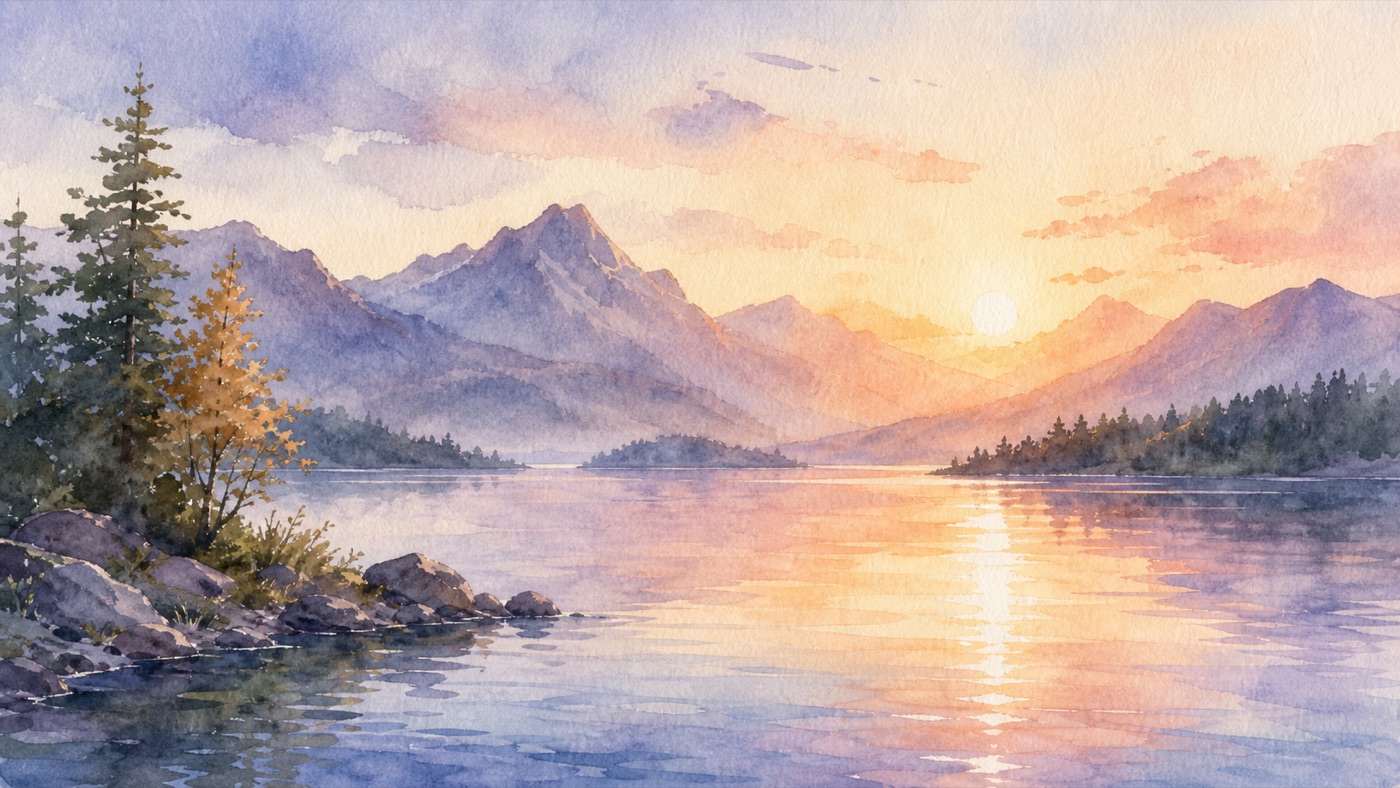
Generate AI landscapes with a watercolor aesthetic — translucent washes, soft pigment bleeds, and visible cold-press paper texture.
Describe a landscape — subject, composition, palette, and mood — and get a hand-painted watercolor look without learning brush technique. Name the paper texture (cold-press, hot-press) and whether colors should be wet-into-wet or dry-brush for the right level of control.
What is watercolor style?
Soft pigment bleeds, wet-on-wet blending and paper texture — the organic, hand-painted quality of traditional watercolor on cold-press paper.
Palette: Translucent washes with granulating earth pigments
Best for: landscapes, book covers, invitations, wall art, portraits
How to generate ai landscape in watercolor style
- Create your kublaro account and open the create studio.
- Start with the AI Landscape Generator or write a prompt from scratch.
- Add style keywords: watercolor, wet-on-wet, pigment bleed, cold-press paper, loose washes.
- Describe subject, composition, palette, and mood. Specify cold-press for soft texture or hot-press for fine detail, and wet-into-wet for soft blends or dry-brush for crisp texture.
- Review the model and credit quote, generate a first version, and check its actual dimensions before downloading or printing.
Prompting tips for watercolor AI landscapes
Name the paper and wetness first, then the scene. Two copy-paste starters:
Soft blend: misty mountain lake landscape in watercolor style, wet-on-wet, loose washes, pigment bleed on cold-press paper, soft morning light
Crisp detail: terraced hillside village landscape in watercolor style, dry-brush texture on hot-press paper, granulating earth pigments, clear afternoon light
Then change one variable at a time — subject, palette, light, or paper — and re-generate.
Why use kublaro for watercolor AI landscapes
- Choose the model — compare the available model, format and credit quote before generating.
- Review your export — image dimensions depend on the model. The video editor currently exports MP4 at 1280×720, 720×1280 or 960×960.
- Optional image-to-video — the studio lists Hailuo 3 Max Turbo, Kling 3 Pro and Seedance 2.5. Duration, audio and credits depend on the selected model.
- Paid plans — Starter $10/90 credits, Creator $25/240, Studio $50/490 and Agency $100/1,000 per month. Compare the current plans.
- Commercial use — read the current terms and review the rights to your inputs and the intended output.
Start creating AI landscapes in watercolor style
Bring one brief to the studio, review the credit quote and compare your first result against the checks above.