AI Interior Design Generator in 3D Render Style
Generate AI interior design with a 3D render aesthetic — controlled studio lighting and material references. Use renderer names (Octane, Redshift, Cycles) as visual references and describe the material — white oak, linen, brushed brass, frosted glass — for believable rooms.
What is 3d render style?
AI images that borrow the appearance of Cinema 4D, Blender or Octane renders: controlled light, readable surfaces and simple room geometry. These are visual references, not measured 3D scenes. Check wall alignment, wood grain and fabric detail before sharing the concept.
Palette: White oak, soft linen and brushed brass under controlled light
Best for: living rooms, kitchens, bedrooms, home staging, and renovation concepts
How to generate ai interior design in 3d render style
- Create your kublaro account and open the create studio.
- Start with the AI Interior Design Generator or write a prompt from scratch.
- Use these keywords to steer toward 3D render: 3D render, Octane, Cinema 4D, PBR materials, ray tracing, subsurface scattering.
- Describe room type, layout, materials, palette, and mood. Use renderer names (Octane, Redshift, Cycles) as visual references and the finishes — white oak + linen, brushed brass, frosted glass — for believable surfaces.
- Review the model and credit quote, generate a first version, and check its actual dimensions before downloading or printing.
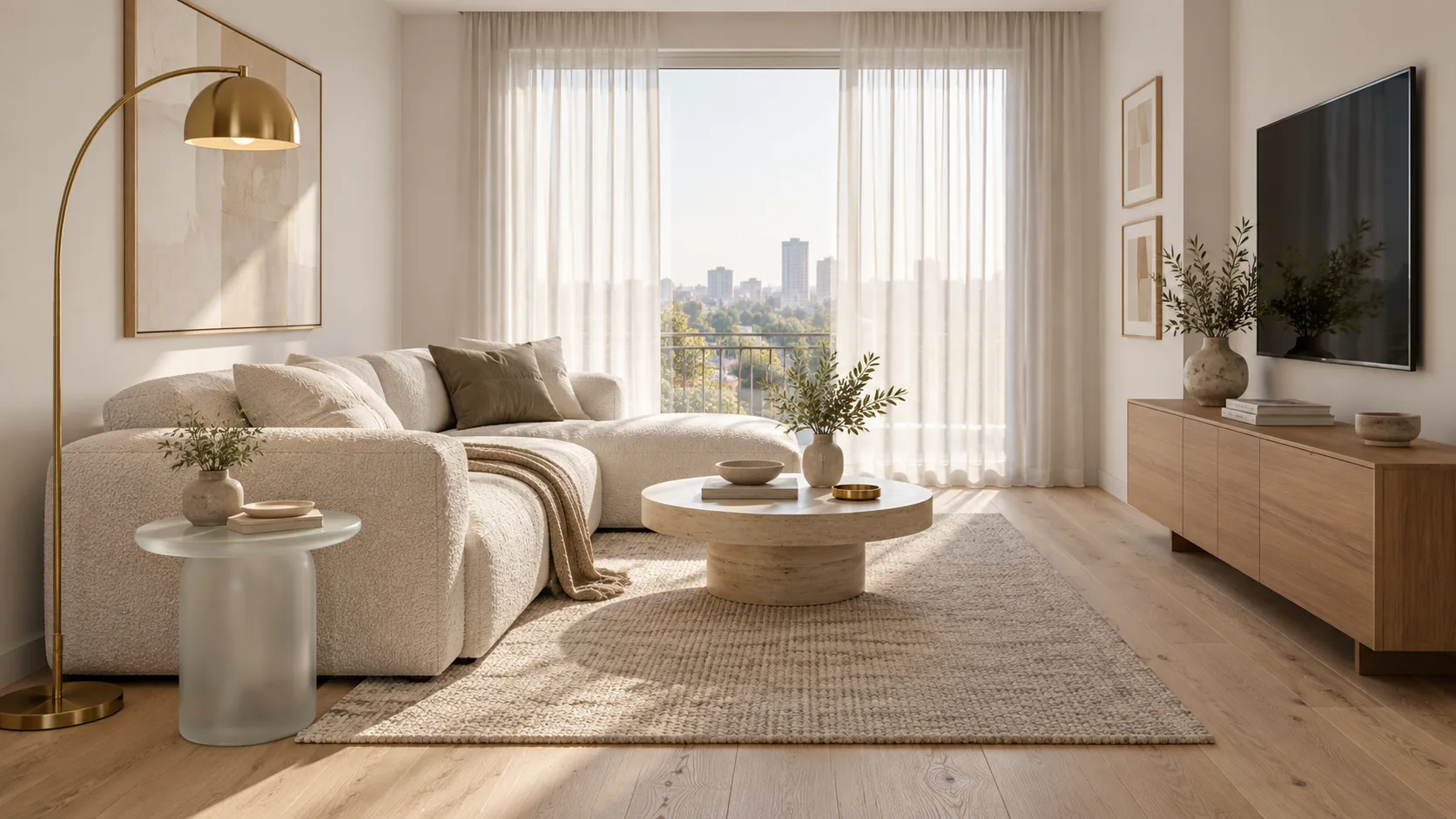
Generated example: small living room in 3D render style with white oak, linen, brushed brass and frosted glass. Copy the prompt below to try it in the studio.
a small living room in 3D render style, Octane, white oak + linen, soft studio light
Prompting tips for 3d render ai interior design
Name the renderer and the materials. Combine style keywords with your room specifics. For example: a small living room in 3D render style, Octane, white oak + linen, soft studio light gives the model clear direction while leaving room for interpretation. Add view and light: eye-level view, morning light, matte walls, low-sheen wood.
Why use kublaro for 3d render ai interior design
- Choose the model — compare the available model, format and credit quote before generating.
- Review your export — image dimensions depend on the model. The video editor currently exports MP4 at 1280×720, 720×1280 or 960×960.
- Optional image-to-video — the studio lists Hailuo 3 Max Turbo, Kling 3 Pro and Seedance 2.5. Duration, audio and credits depend on the selected model.
- Paid plans — Starter $10/90 credits, Creator $25/240, Studio $50/490 and Agency $100/1,000 per month. Compare the current plans.
- Commercial use — read the current terms and review the rights to your inputs and the intended output.
Start creating ai interior design in 3d render style
Bring one brief to the studio, review the credit quote and compare your first result against the checks above.